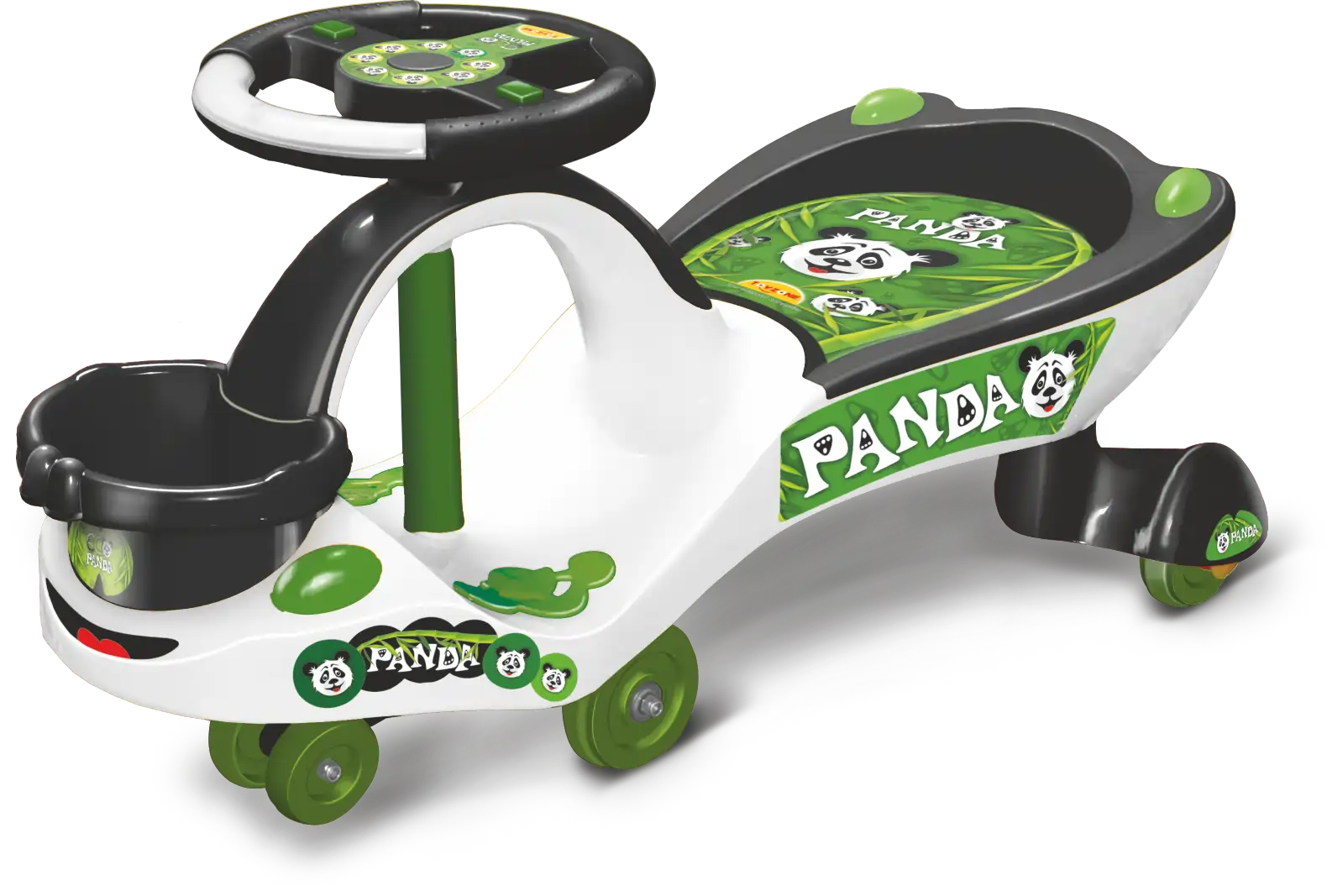
Project Eco Panda
A Packaging Design that brought in RECORD SELLING of
40 lac pcs. in a span of 10 years
The Concept
Process
- Step 01
Defining Product Name
After sharing product image, the client asked What we could do about the product in haste. We suggested the name ‘Panda’ and he added ‘Eco’ for the economical range. Thus the name ECO PANDA was created.
- Step 02
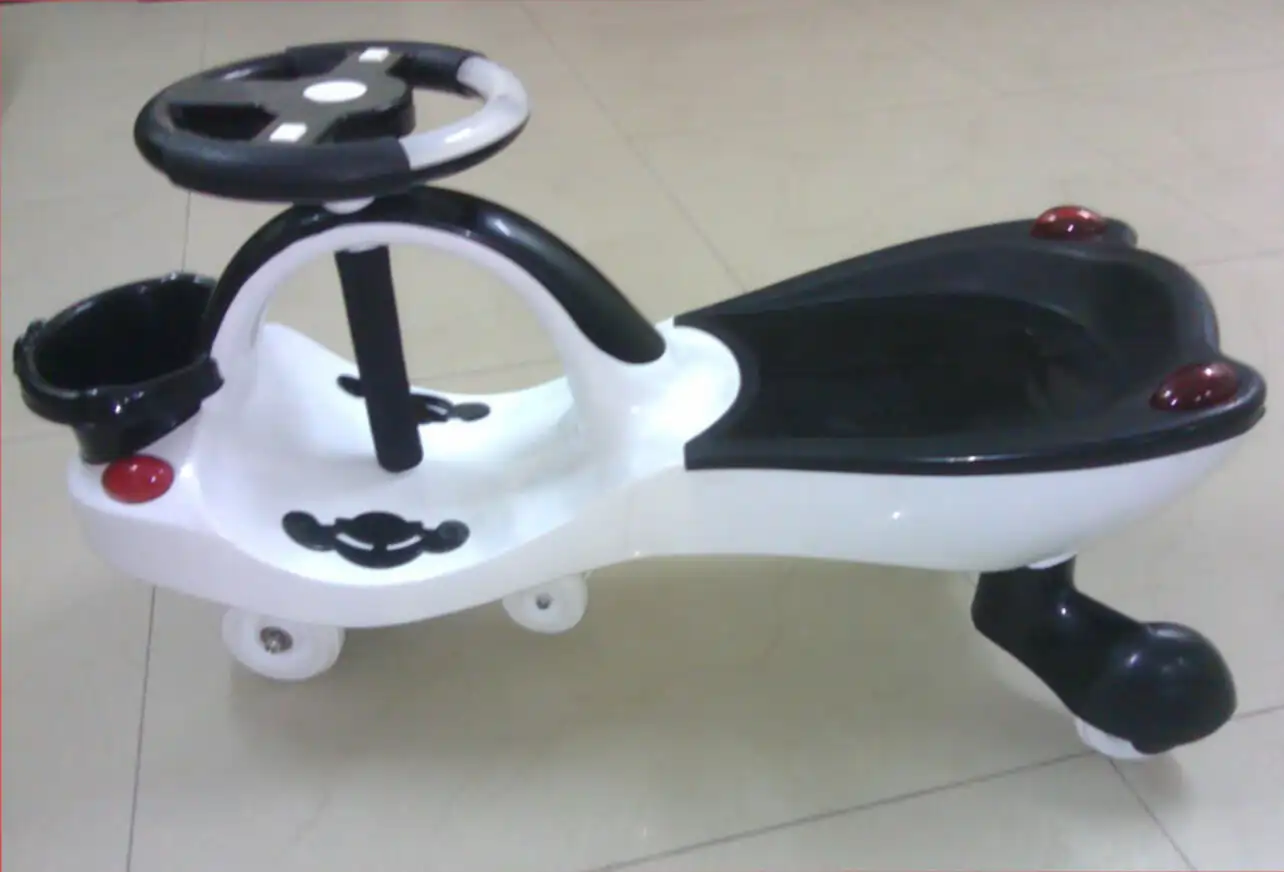
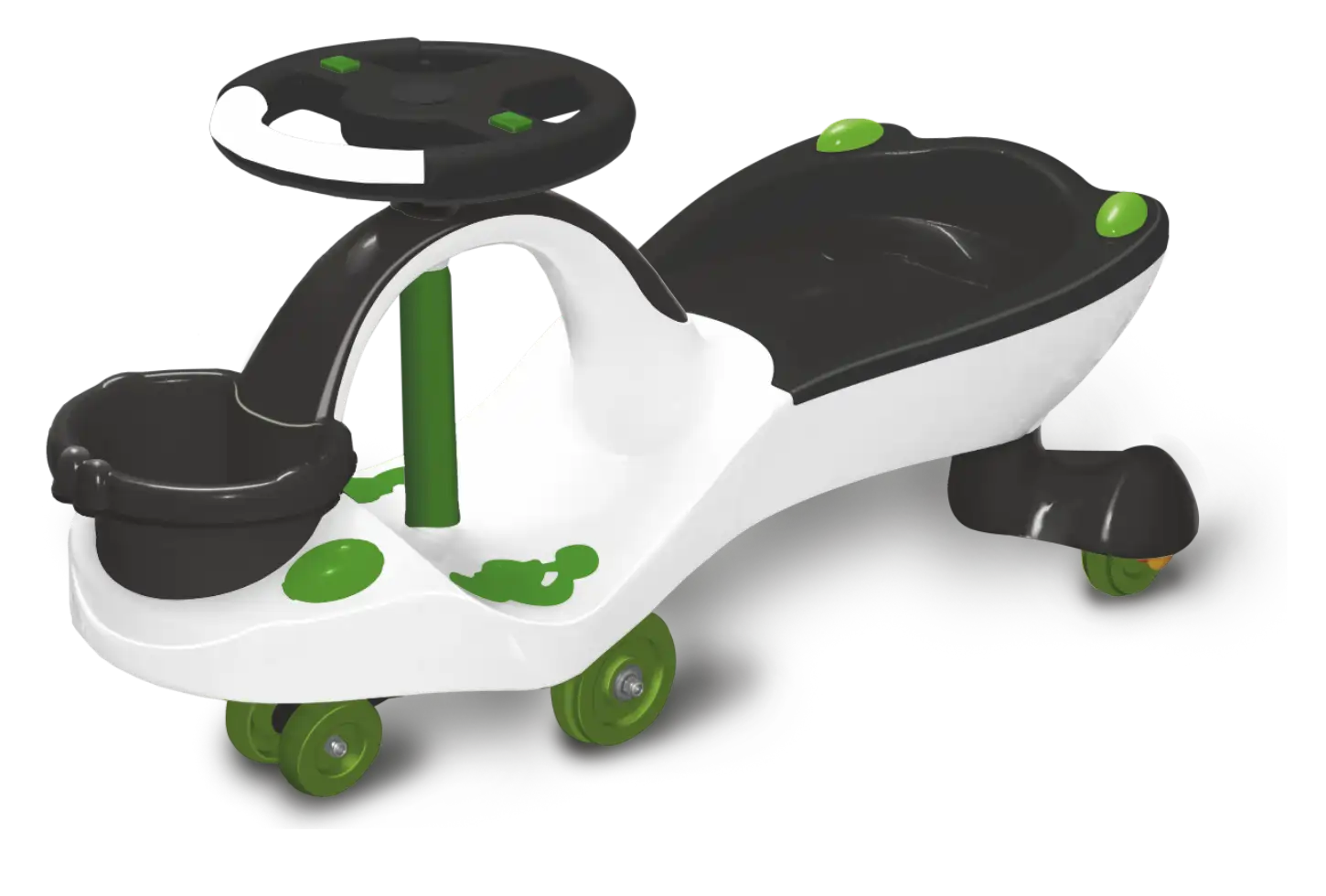
Defining Product Color
A combination of Black and white with the tint of green color not made the product look attractive, but also a sense of association with nature and panda favorite food, bamboo.
Hover over the image to see the product on which we worked
- Step 03
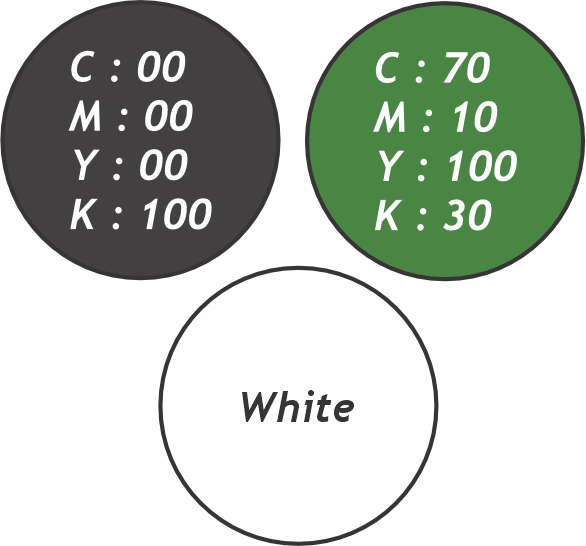
Color Code of Each Part
Select the Color code for the entire product, and label them to provide it to the client, so that the client does not need to do R&D for the color combination.
- Step 04
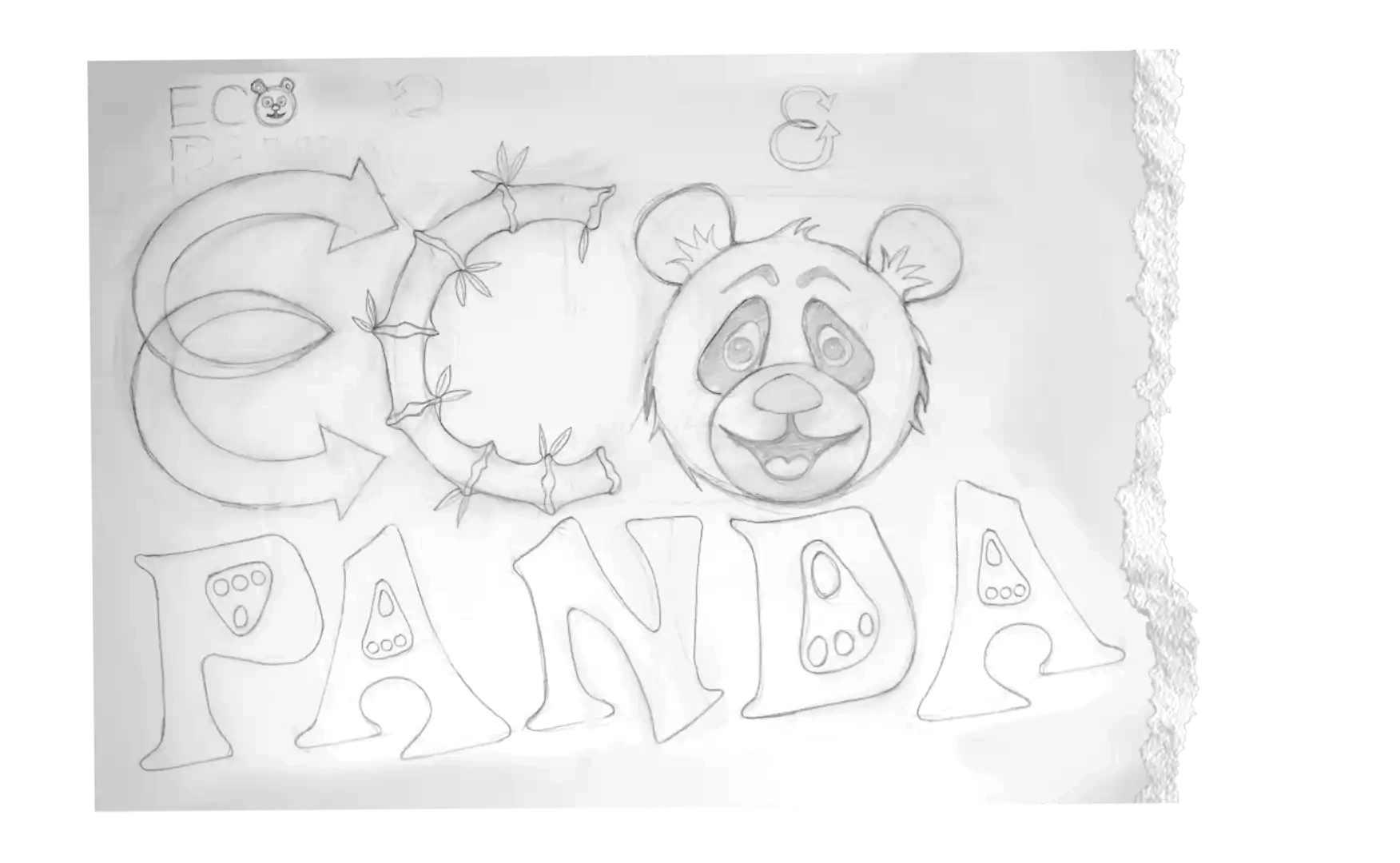
Sketching Word Art
Drawings of an entirely new typography, with the incorporation of a fascinating mascot so kids could relate it to Panda at first sight.
- Step 05
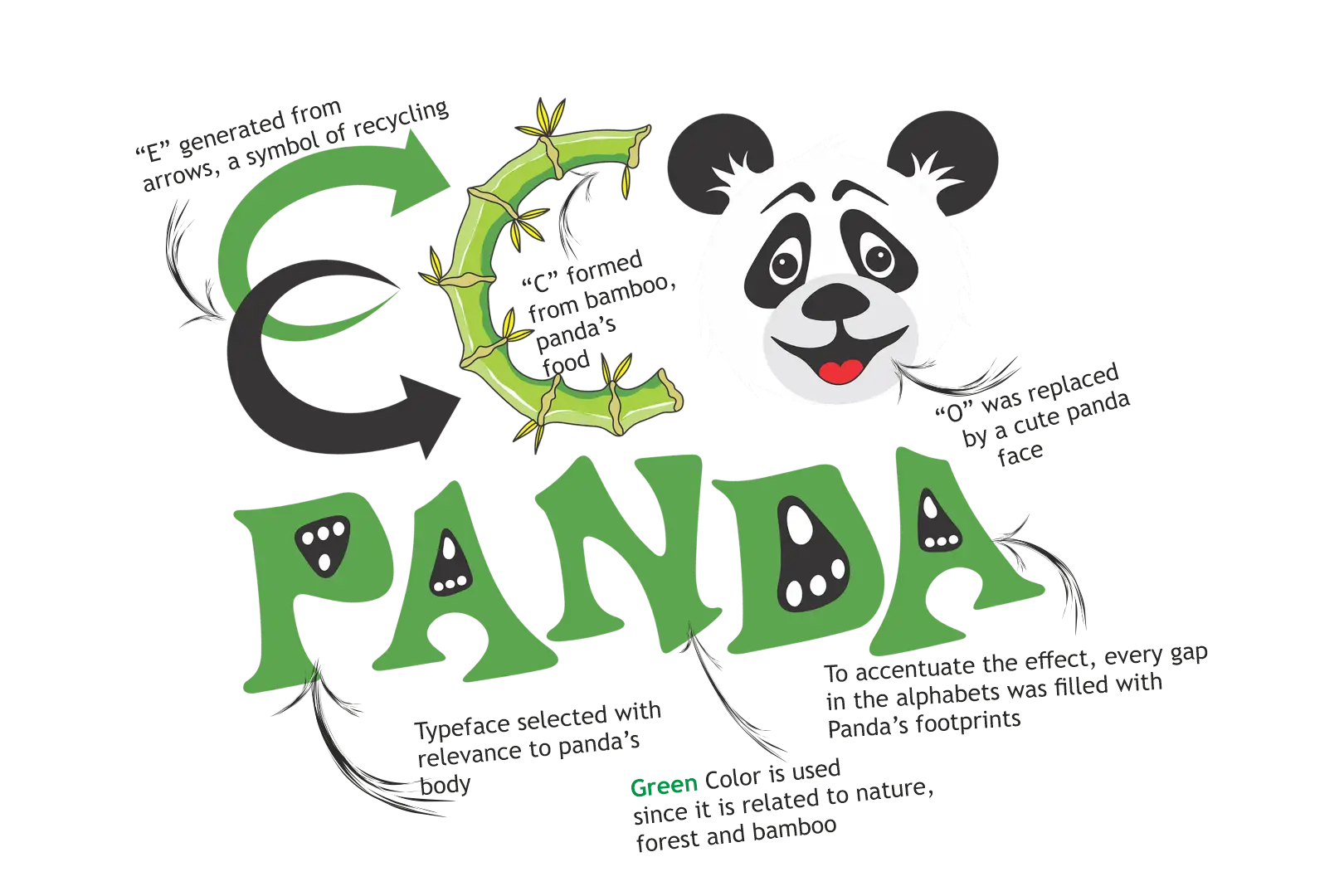
Finalizing the Logo
A careful selection of colors made the character lively and enhanced the look. Created all the image with extra effort to make the mascot of Panda.
- Step 06
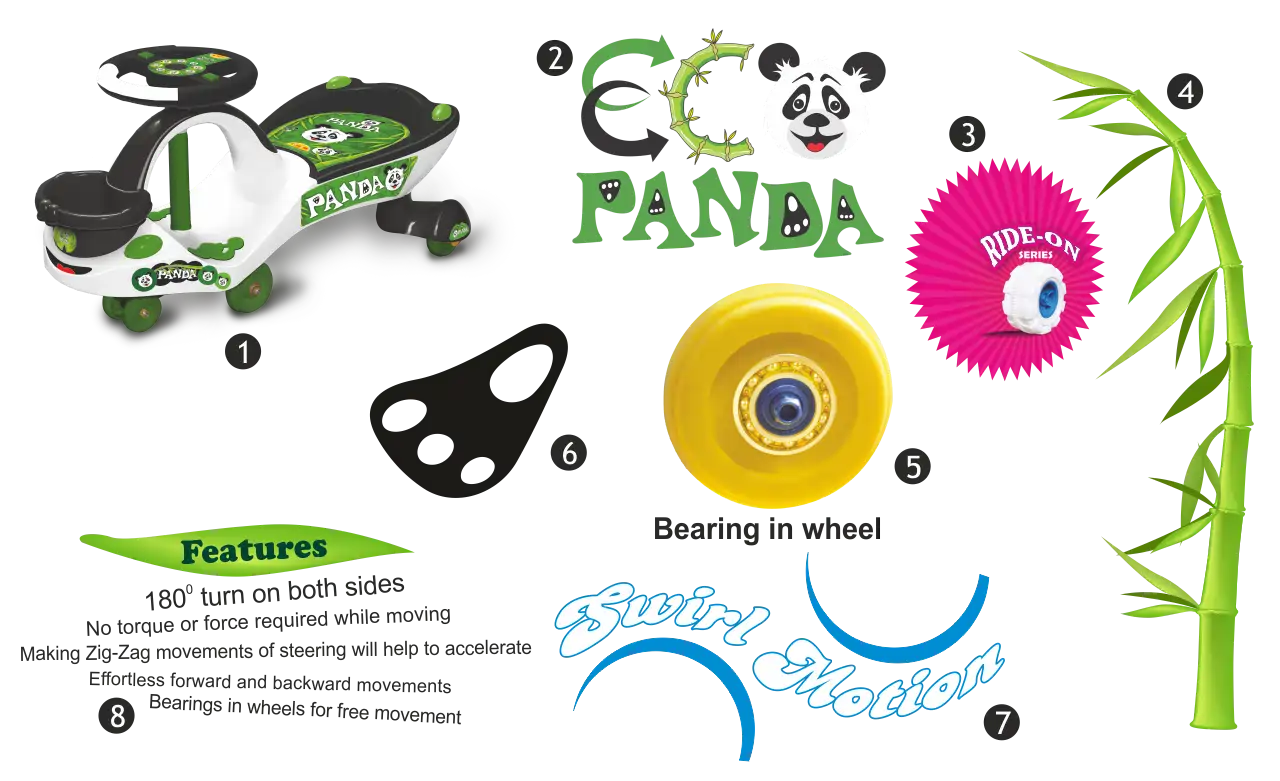
Gathering Elements
Gather all elements together whether it is the product logo, even bamboo recreated in a rounded shape, giving a new style to swirl motion, features represented in different styles, panda paws, etc.
- Step 07
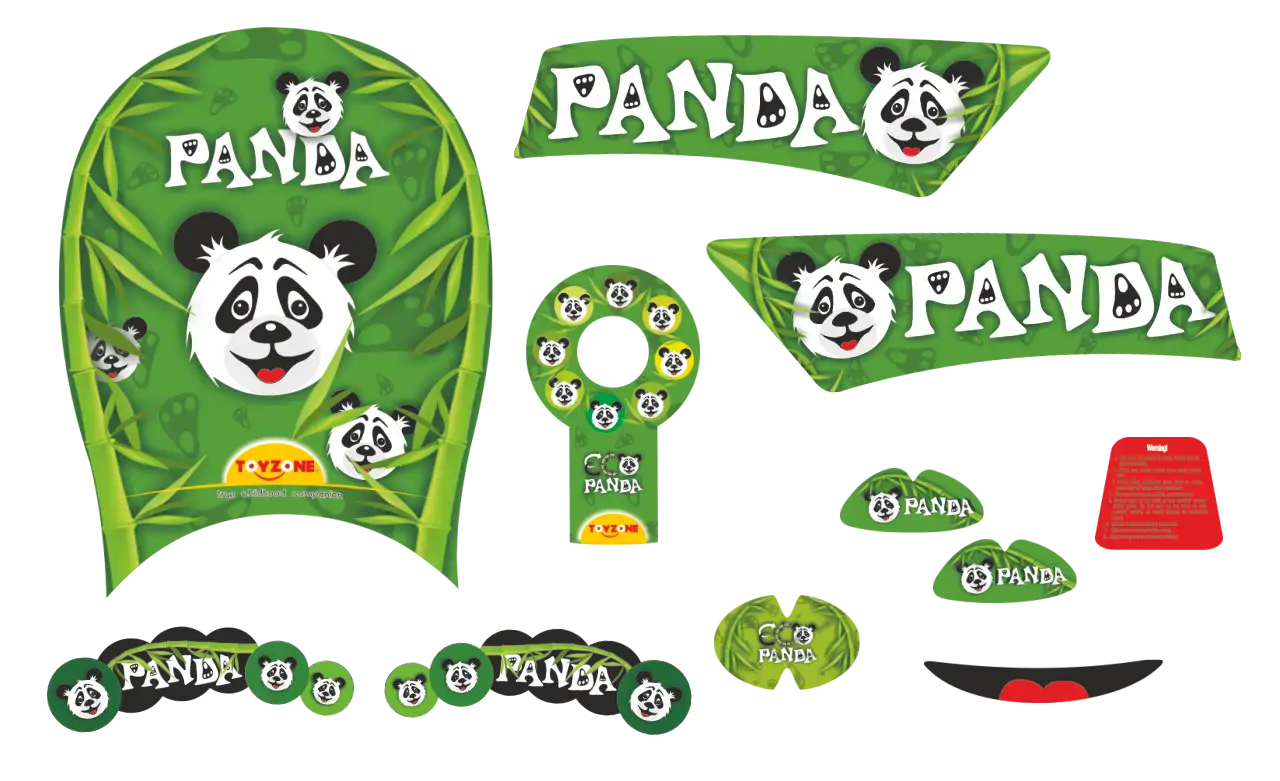
Creating Sticker Shapes & Designs
A very tedious task to create new shapes of the stickers on the curvy surface, have to try many times to achieve the desired shapes. After that, we decided to design each sticker according to the product theme and color contrast
- Step 08
Enhance Your Product Images
Our expert photography captures your product from every angle, then elevates it with precision edits color correction, brightness, texture, sharpness, and label superimposition for a flawless presentation
Hover over the image to see the actual look of the product after manufacturing
- Step 09
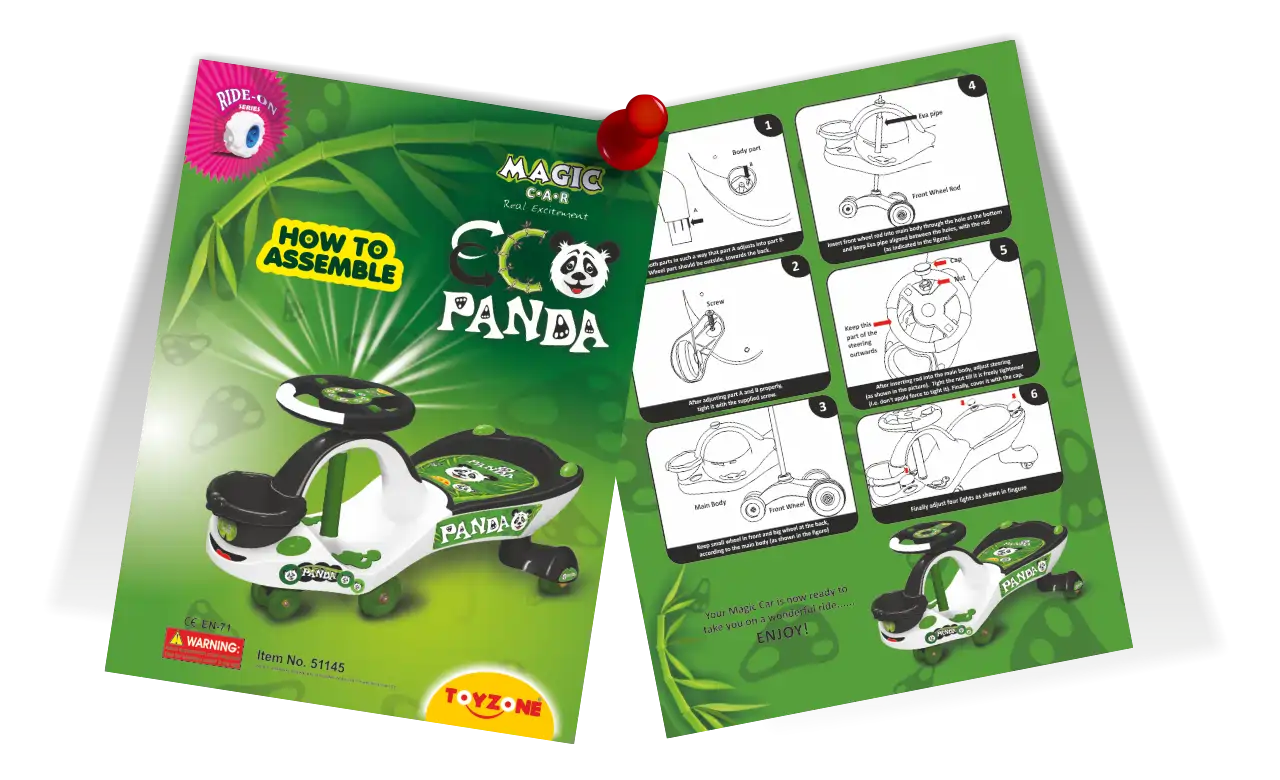
Creating Manual
A comprehensive, user-friendly manual has been meticulously crafted for our valued customers. This detailed guide is packed with step-by-step procedures and accompanied by informative graphics, empowering you to effortlessly assemble our product. Say goodbye to any confusion and enjoy the satisfaction of building it yourself.
- Step 10
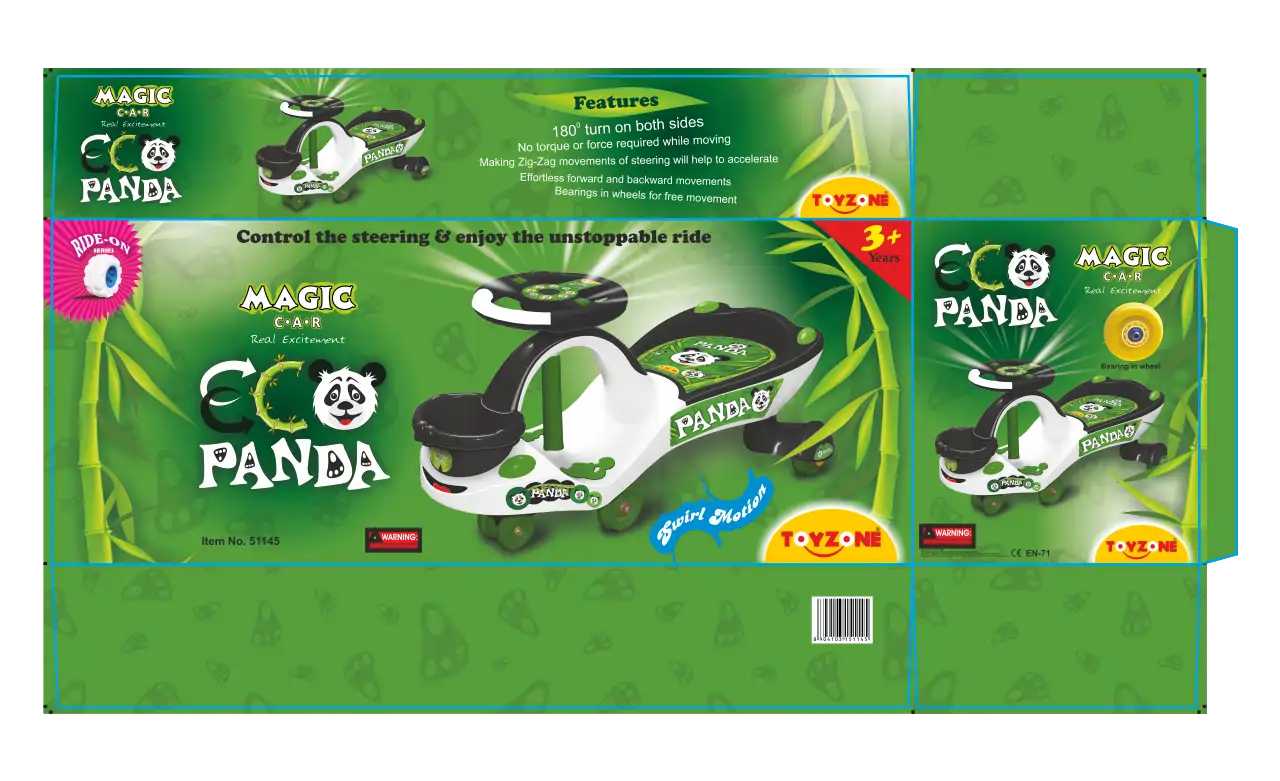
Designing of Printed Box
Packaging box is the most important element in luring your customers. We designed it in a way to make it stand out, with the product highlighted.
We did our best to do justice to the design and thankfully, the results were quite fruitful.
- Step 11
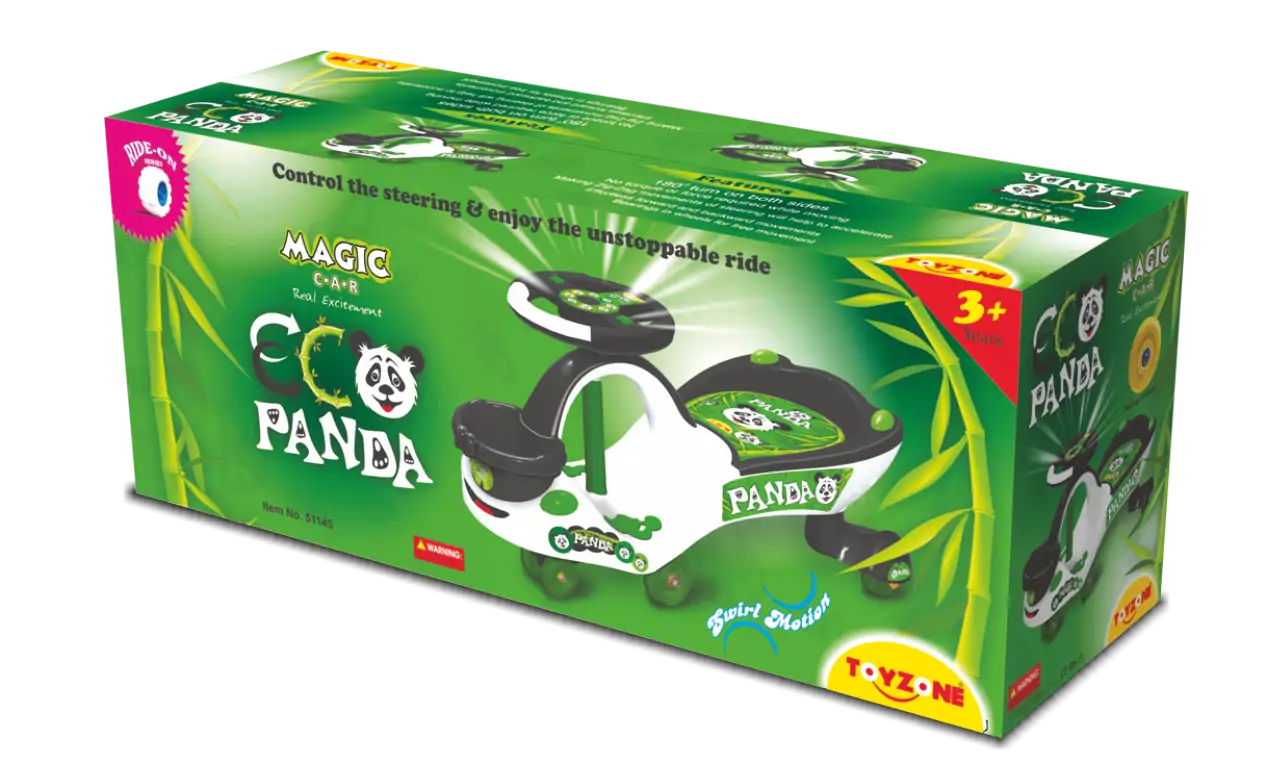
3D Box
Made this 3-dimensional box to see how it would look on the shelf. Try to give a real-like box look for an original printed box. Create corrugation texture with light and shadow.
- Step 12
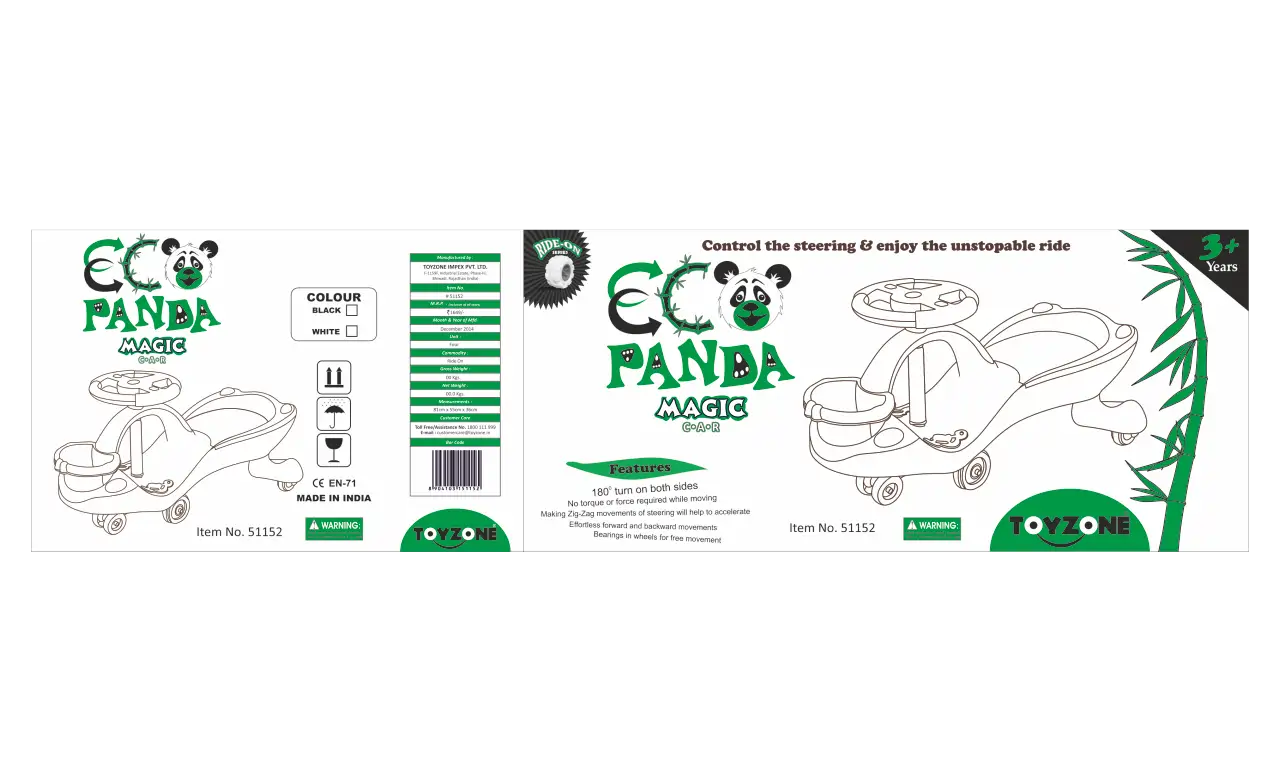
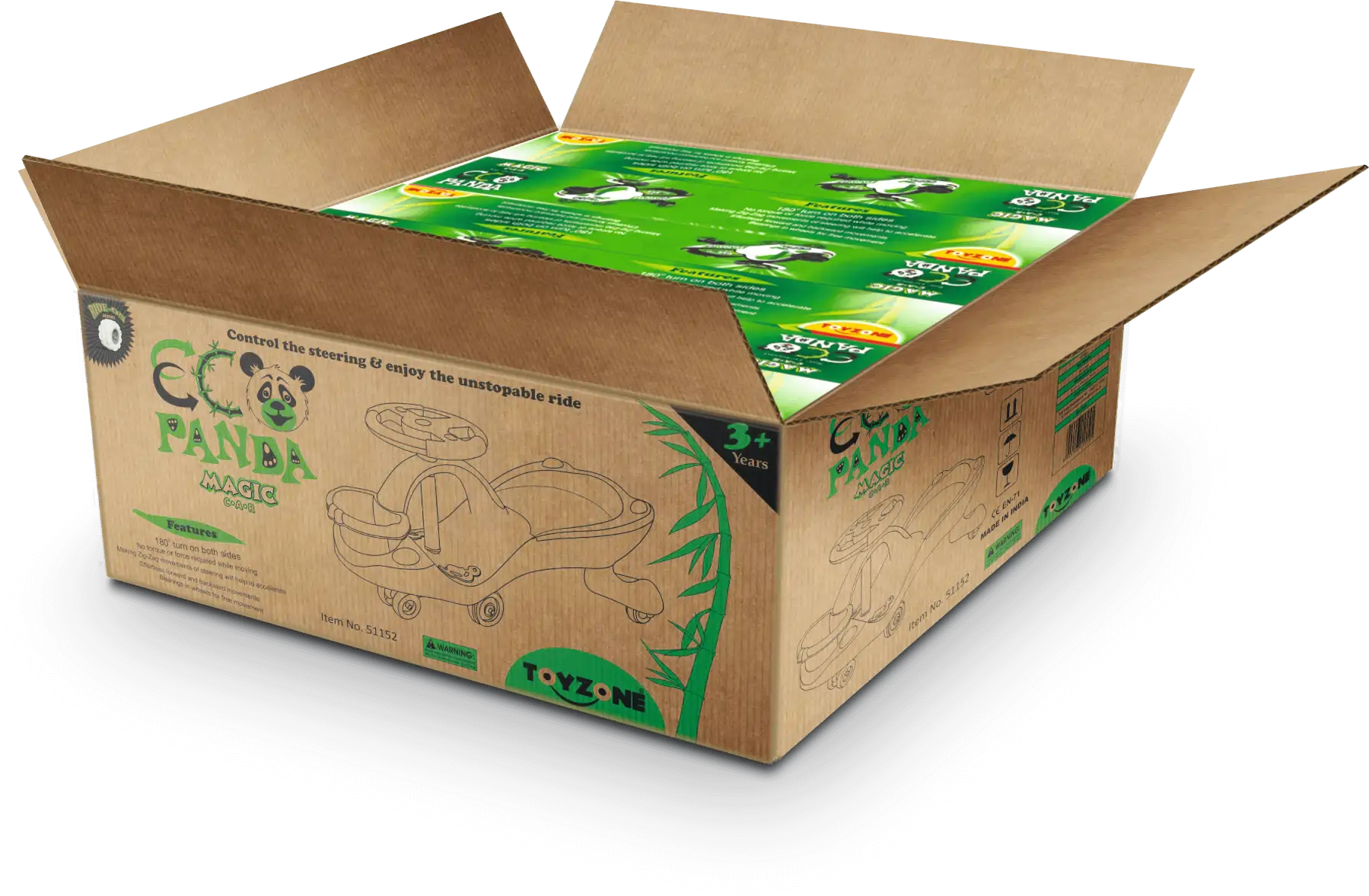
Designing of Master Carton
We’ve designed the outer master carton using a dual-color scheme that mirrors the printed box, ensuring brand identity is visible and consistent throughout transportation
- Step 13
Representation of Master Carton
This image is created in Photoshop, with a perspective view, light, shadows and colors and even its dimensions were calculated on the basis of inner box size, before its manufacturing.
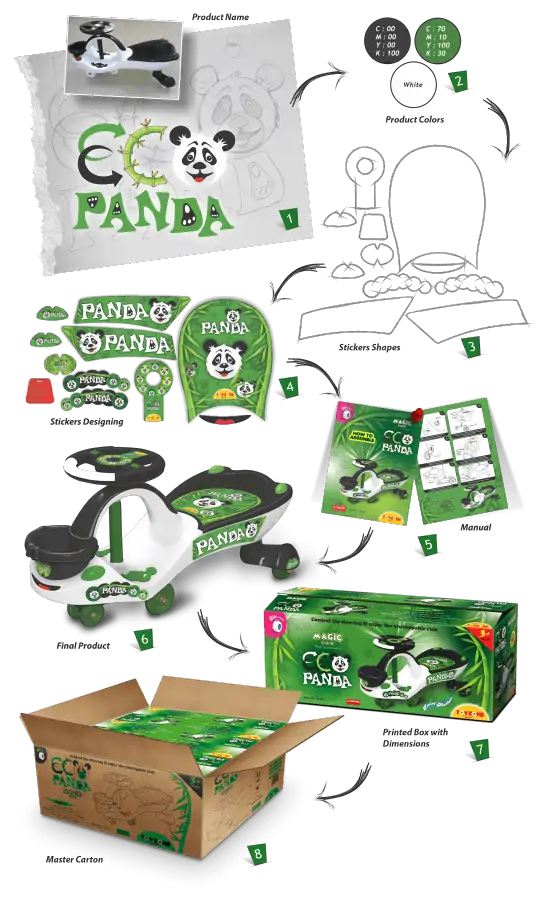
Complete Concept at a Glance
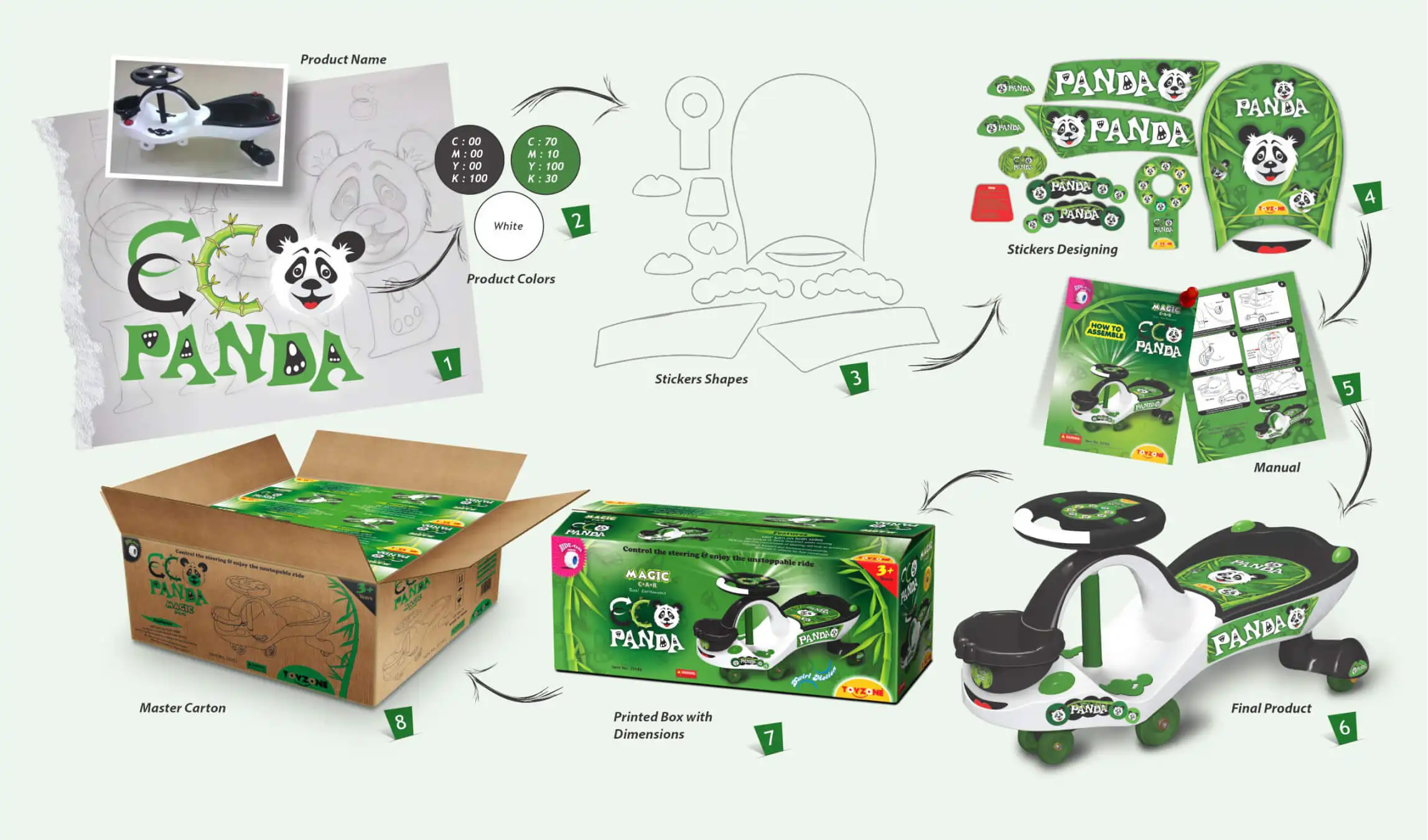
Complete Concept at a Glance
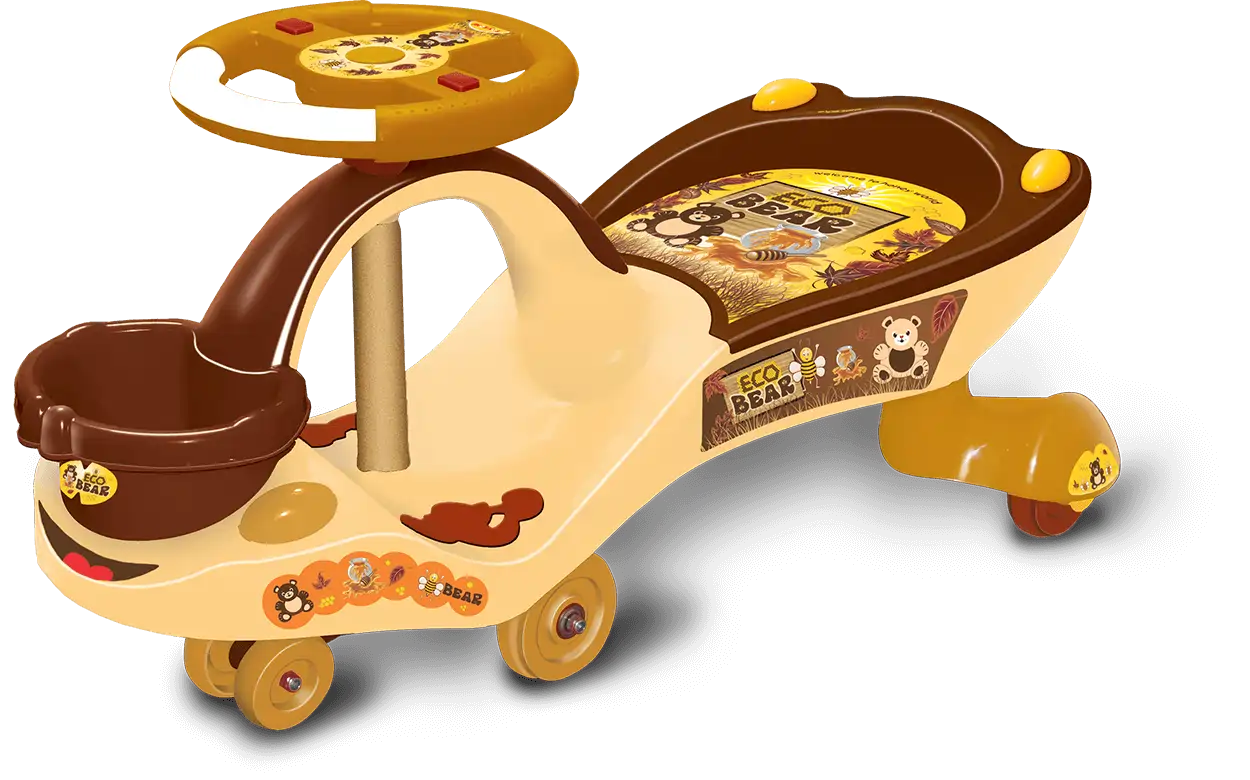
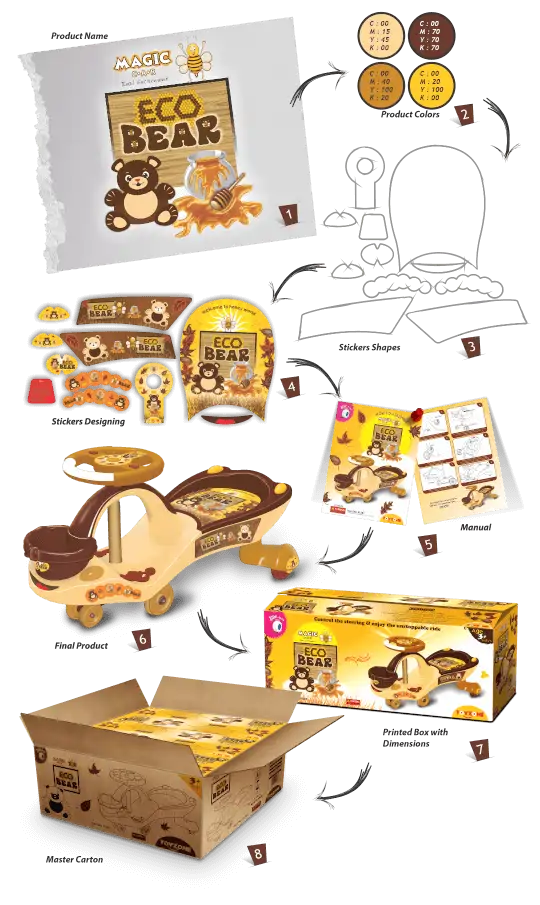
Eco Bear – Concept
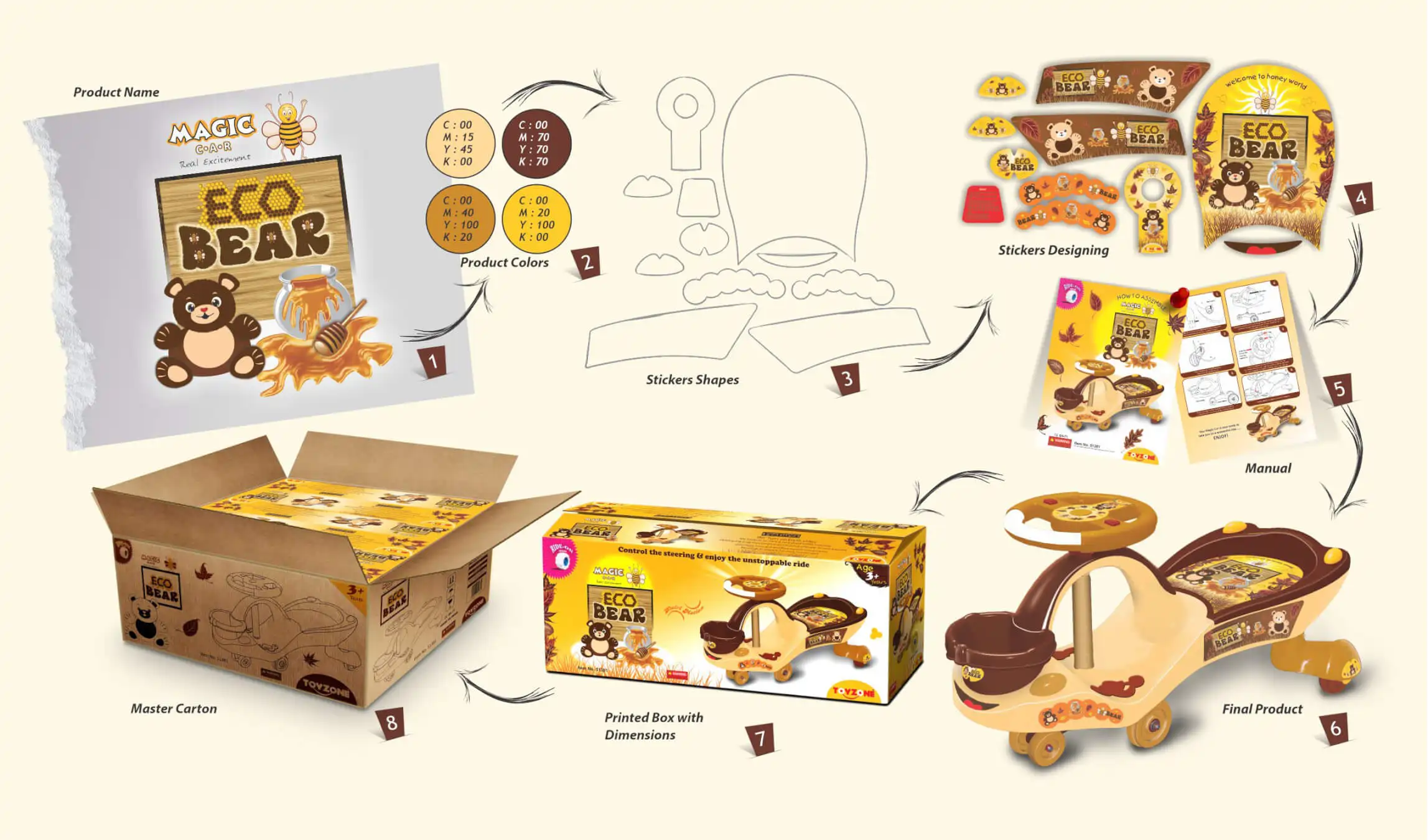
Eco Bear – Concept
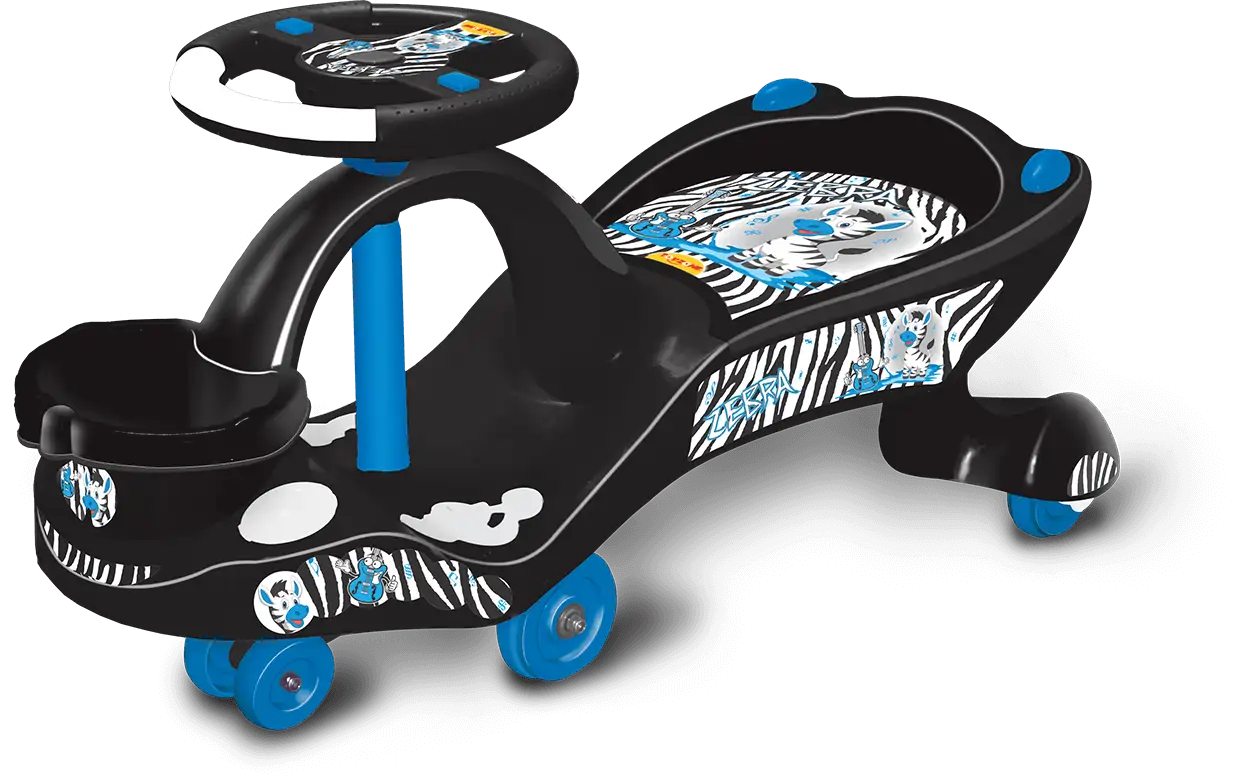
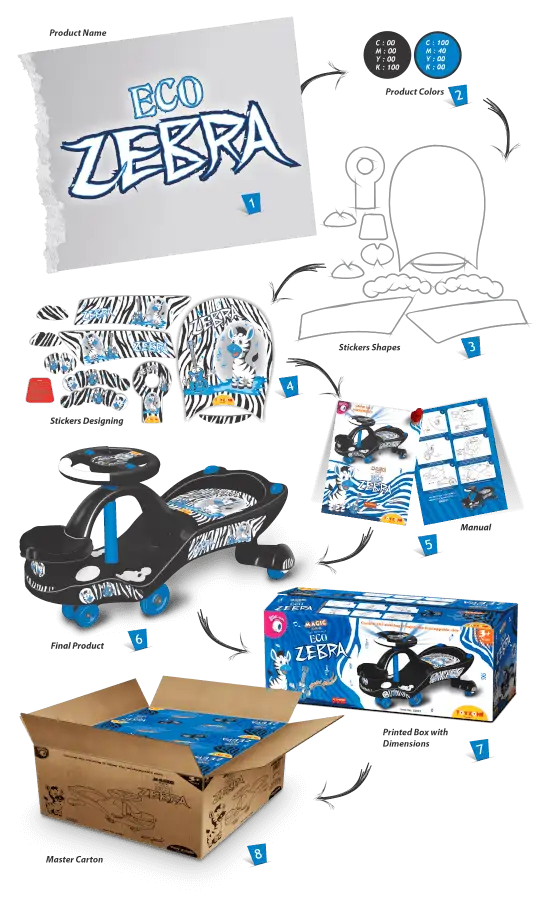
Eco Zebra – Concept
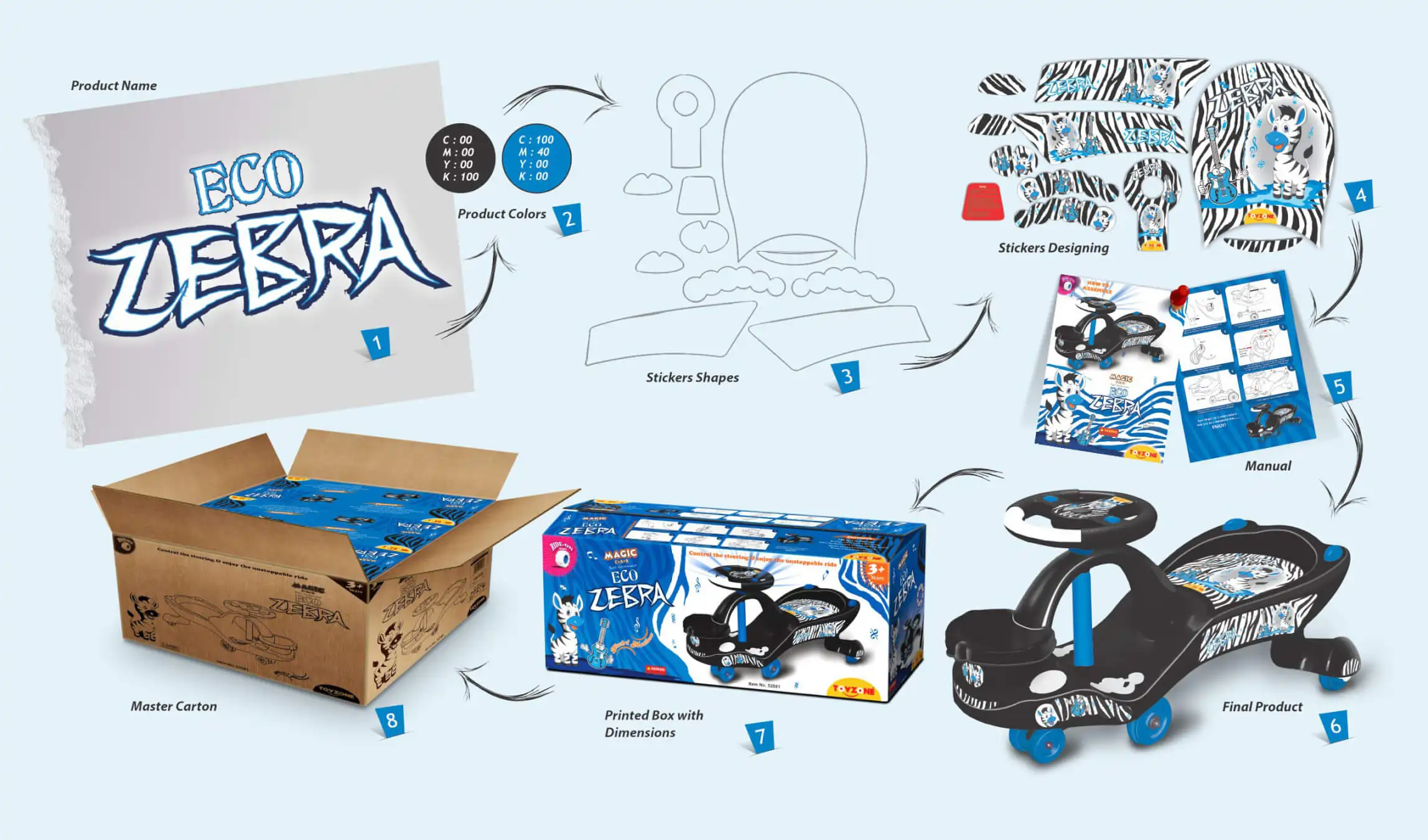
Eco Zebra – Concept
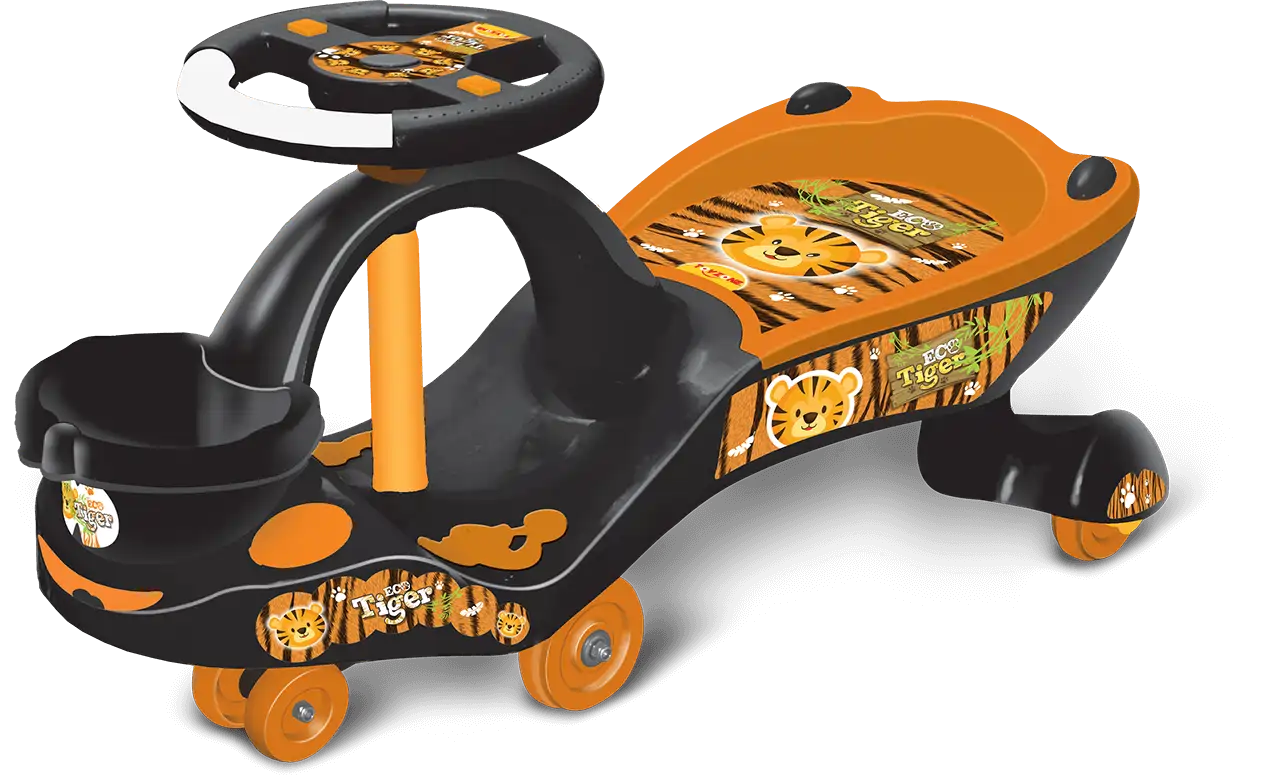
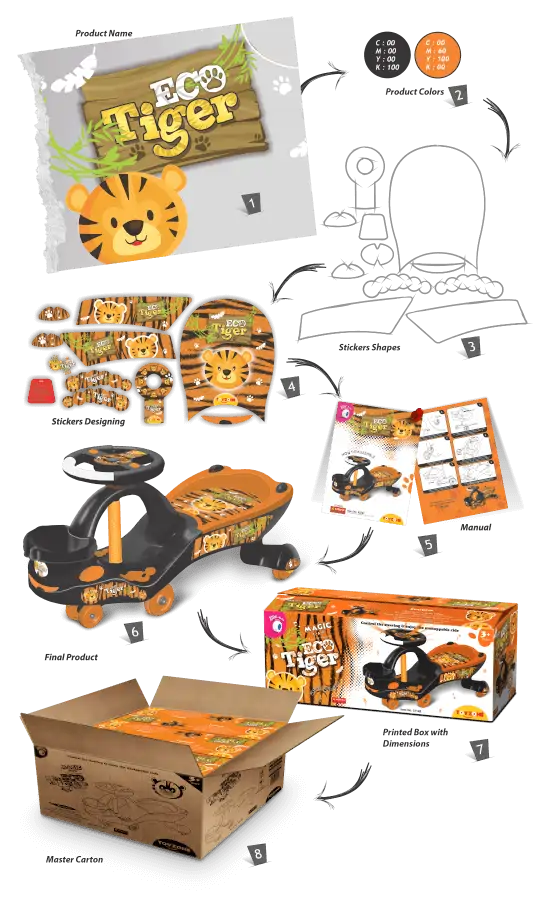
Eco Tiger – Concept
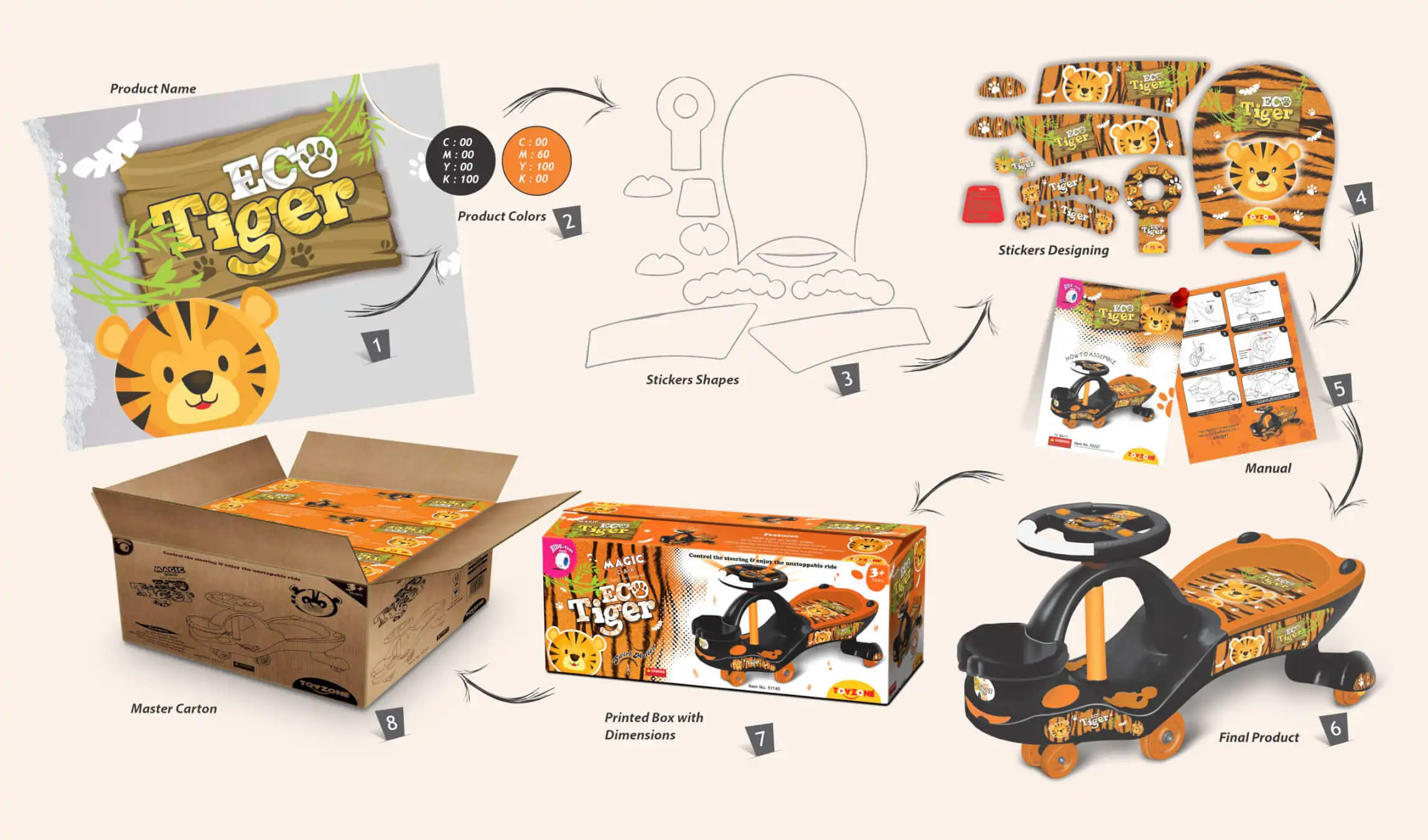
Eco Tiger – Concept
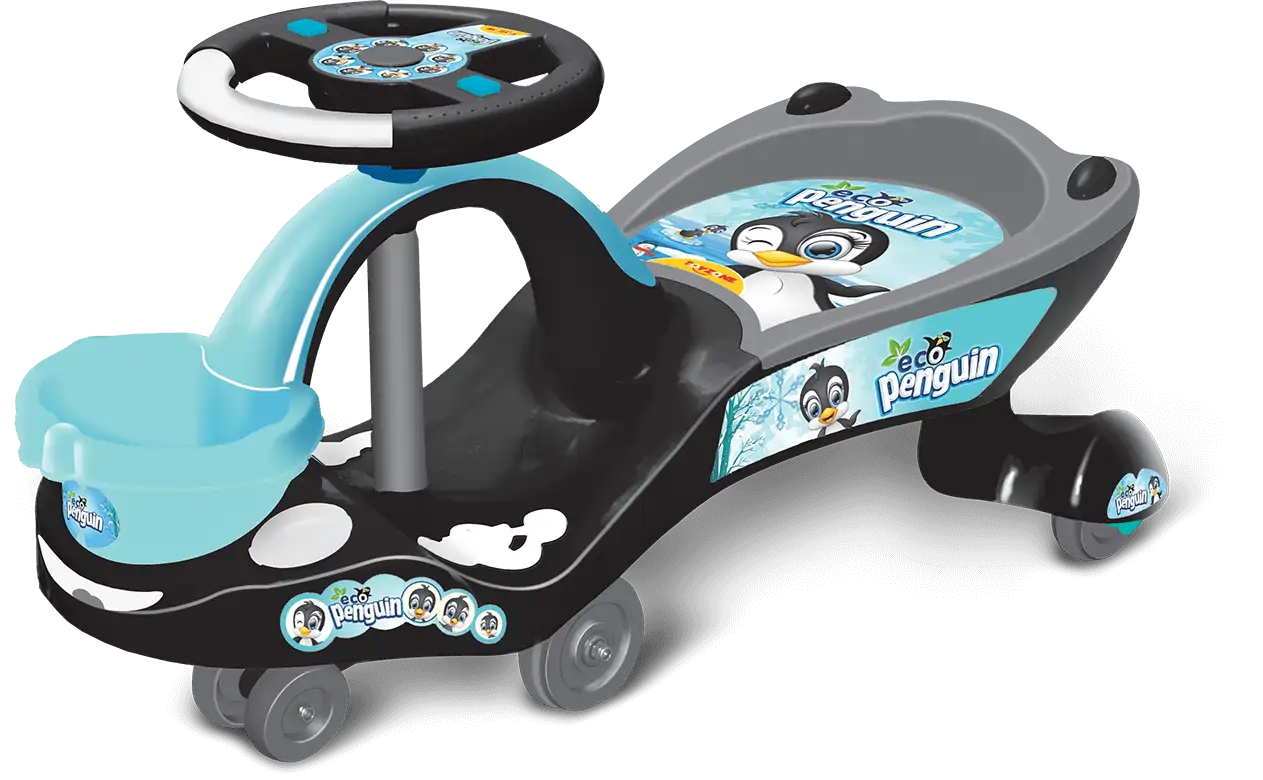
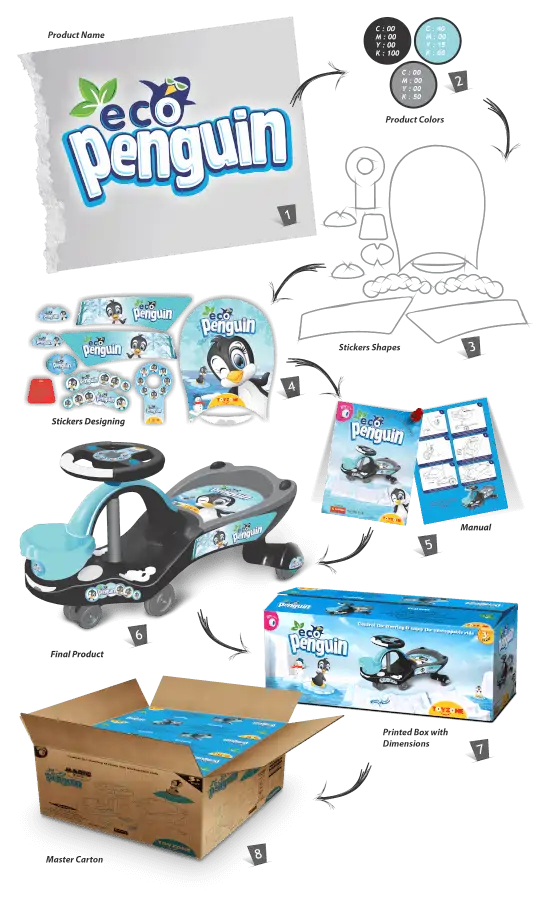
Eco Penguin – Concept
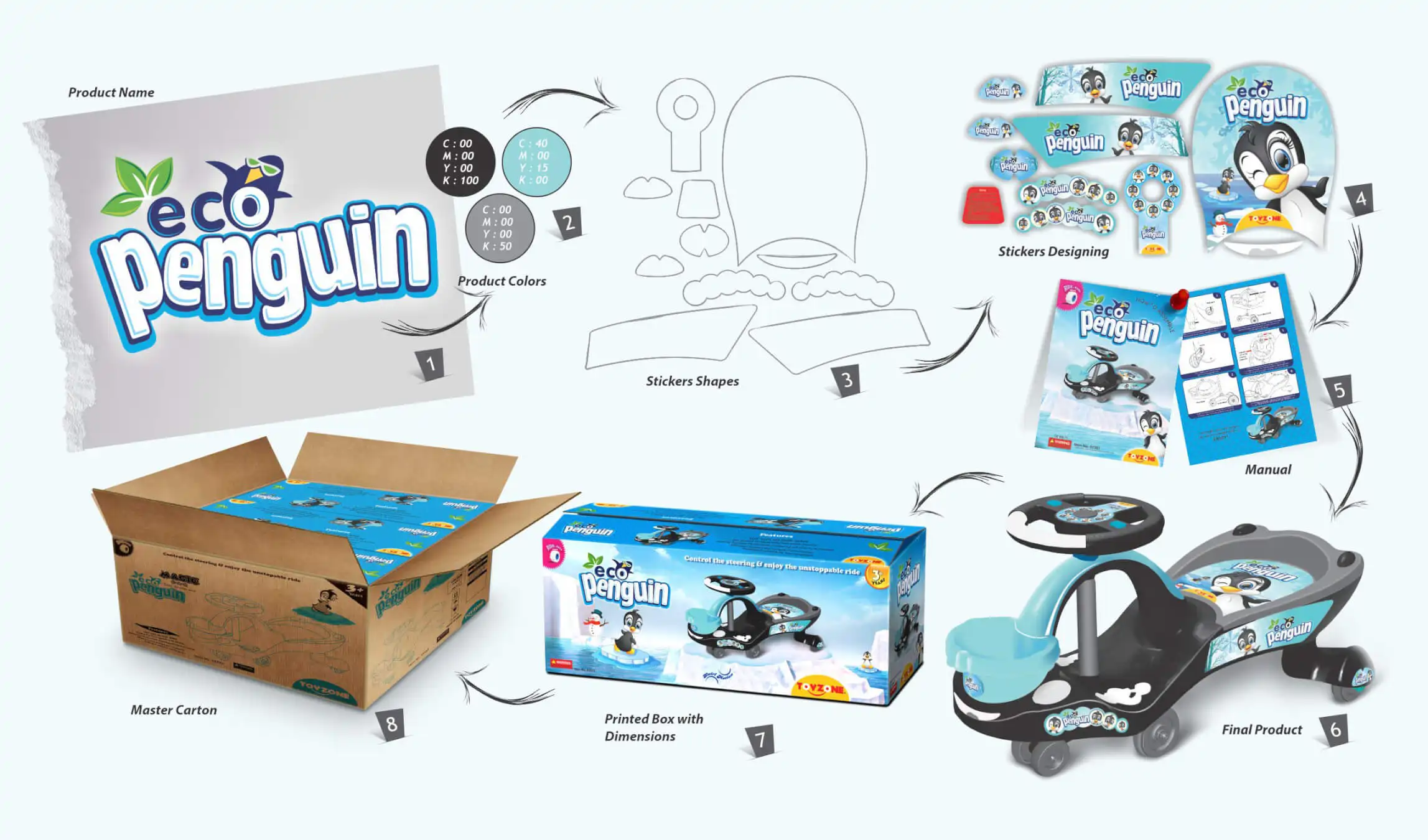
Eco Penguin – Concept
Single Product in Different Avatar